Figure 1
WFilter can act as a proxy server to share internet connection to other computers. "HTTP Proxy", "SOCK5 Proxy", "SMTP Proxy" and "POP3 Proxy" are supported.
Since all internet traffic will pass through the proxy server, WFilter is able to monitor and filter other computer internet access with proxy service enabled.
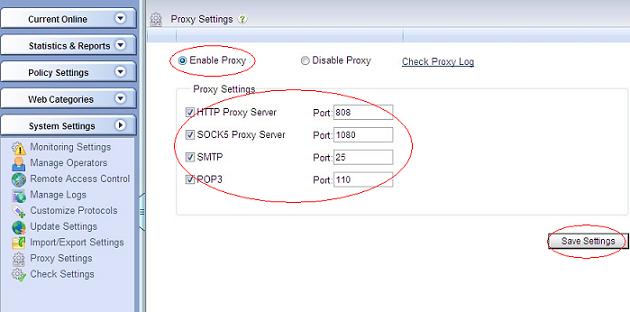
Choose "Enable Proxy" in "System Settings"->"Proxy Settings", as Figure 1:
To make clients to access internet via this proxy server, you need to do certain settings in client computers. Please refer to "Detailed Proxy Client Settings" for more details.
To force all client computers to use this proxy server, you need to block all computers in your router/firewall except the proxy server.
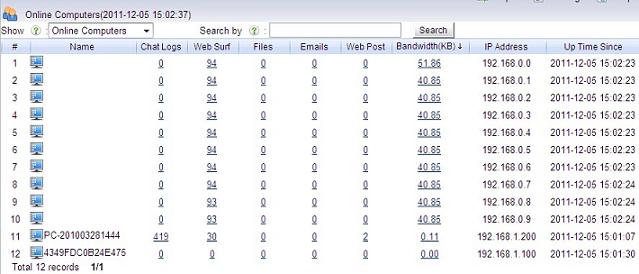
Following above steps, WFilter will be able to monitor all client computers internet activities, as in Figure 2: